How to Test AI Content Writer Tools with a Real Brief
Last updated: October 28, 2026
Quick answer: the most useful test is a 1-brief, 1-task, 1-editor-review workflow that shows how the tool handles your real assignment, not a polished demo prompt. If a tool can turn one normal brief into usable sample outputs, survive one revision round, and fit your editing process, it is worth a closer look.
What a real brief must contain before you test anything
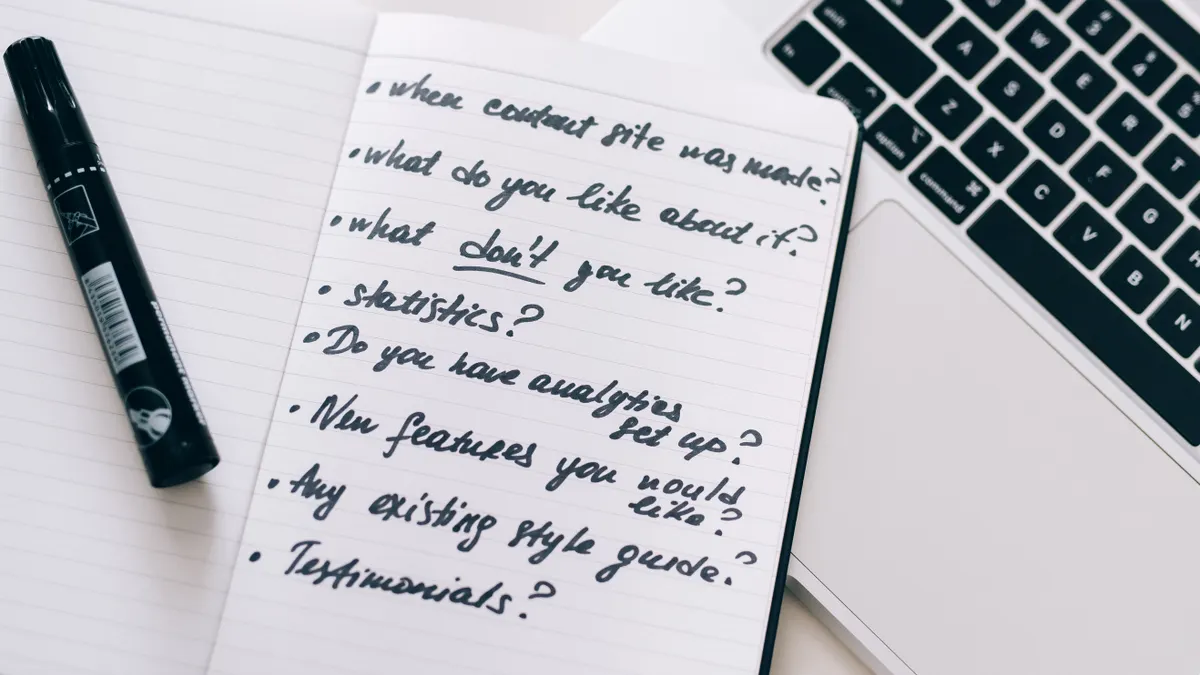
A real brief needs the same inputs a writer would get on a normal assignment: audience, goal, topic, angle, format, length, SEO notes, examples, and constraints. A bare prompt like “write a blog post about X” tells you almost nothing, because most tools can produce passable filler from that. A proper test brief should include at least 5 fixed pieces: the target reader, the single job of the piece, 3 to 5 key points, 1 or 2 must-use terms, and 1 or 2 must-avoid claims.
If the brief is too vague, the tool looks better than it is. If it is too detailed, you are no longer testing generation; you are testing obedience. The sweet spot is a short working brief, usually 150 to 300 words, with enough structure to expose how the model handles ambiguity.
A good brief also includes one real editorial constraint that matters to your team. That might be “write for first-time buyers,” “avoid product claims we cannot verify,” or “use UK spelling.” Those details show whether the tool can stay useful under real conditions instead of only performing well on a generic prompt.
The point of this test is not to make the AI look brilliant. It is to see whether it can produce a draft your editor can actually work with.
How do I set up the AI content writer tool test?

Set up the test as a single repeatable workflow: brief, prompt, output, edit, score. Keep the setup simple enough that another editor could run it the same way in 15 minutes. The cleanest version uses one document, one brief, one model, and one reviewer.
Start with one primary brief and do not rewrite it halfway through the test. If you change the brief after seeing the first output, you lose the comparison. Use the same assignment for every tool you are evaluating so the differences come from the model, not the input.
Then create 2 to 3 test prompts from that brief. One prompt should ask for the first draft. One should ask for a tighter version after revision notes. If your workflow depends on outlines first, include an outline prompt too. That is enough to show whether the tool supports your actual process or only a one-shot draft.
Use the same settings where possible. If the tool lets you pick tone, length, language variant, or a model family such as GPT-4-class or Claude-class options, keep those settings recorded. A 10-minute setup log is enough. Without that, you will not know whether the output changed because the prompt changed or because the model did.
What you should see when this step works: each tool is being tested against the same task, with the same brief, and the setup can be repeated later without guesswork.
Write the brief so the tool has to make real choices
A useful brief forces the tool to solve at least 3 editorial problems, not just spin sentences. Give it a reader, a goal, and constraints that matter in the final draft. For example, instead of asking for “an SEO article on email marketing,” ask for “a 900-word guide for a marketing manager choosing between newsletter and lifecycle email, with practical examples, a calm tone, and no claims about results that cannot be proven.”
That type of brief makes the model reveal how it handles trade-offs. Does it choose a clear angle or scatter across every possible angle? Does it stay within the requested length target? Does it keep the same audience in view from the first paragraph to the final call to action?
Include one awkward detail on purpose. It could be a required keyword that feels unnatural, a source note, a brand voice constraint, or a prohibition on hype. Real assignments are full of friction. A tool that only works when the brief is smooth is not ready for live production.
I also recommend asking for one specific format that matters to your team, such as subheads, bullets, a comparison table, or a short FAQ. That helps you see whether the tool can follow production structure instead of dumping a wall of prose.
What prompts should you use to compare sample outputs?
Use 3 prompt types: generation, revision, and recovery. Generation shows what the tool does from zero. Revision shows whether it can improve a draft without drifting off brief. Recovery shows how it behaves after a correction, such as “cut the sales language” or “rewrite for a skeptical reader.”
For the generation prompt, give the full brief and ask for the first draft in the target format. For the revision prompt, paste the draft back in and ask for changes that mirror a real editor note. For the recovery prompt, give one hard constraint it previously missed, such as “remove unsupported claims” or “shorten the intro to 80 words.” That sequence is useful because many tools can produce one decent draft but struggle on round two.
Keep the prompts short and plain. A 30-line prompt stuffed with examples can hide weaknesses that would show up in normal use. The goal is not prompt engineering theater. The goal is to see whether the tool can work with the kind of instructions a content team actually writes.
A good comparison set should include at least 2 sample outputs from the same brief if the tool supports it. If one version is clearly stronger, that is a clue about consistency. If both are weak in different ways, you have found a revision bottleneck.
What you should see when this step works: the outputs differ in a way that tells you something useful about draft quality, editability, and consistency.
Build an evaluation rubric that an editor can score fast
An evaluation rubric turns impressions into a decision. Use 5 criteria and score each one on a simple 1-to-5 scale. The set that matters most for a real brief is relevance, structure, factual caution, voice match, and edit burden. If your team handles search content, add SEO fit as a sixth criterion.
Relevance asks whether the draft answers the brief or wanders. Structure asks whether the piece has a usable order and clear subheads. Factual caution checks whether the tool invents details, overstates confidence, or fills gaps with confident noise. Voice match asks whether it sounds like your brand or like a generic assistant. Edit burden asks how much cleanup is needed before a human can publish it.
Use a short note field beside each score. One sentence is enough. Write what the editor would need to change first, not a long critique. That note is what makes the rubric useful during tool comparison, because it shows patterns across outputs.
If you want a stricter filter, add one pass/fail line for non-negotiables. A draft that breaks a legal, brand, or factual rule does not “almost pass.” It fails. That keeps the scoring honest and stops a flashy draft from hiding a real problem.
A rubric also helps an editor or other qualified reviewer avoid the most common mistake in tool testing: judging the writing style and forgetting the workflow cost.
How to compare workflow fit, not just output quality
Workflow fit is the difference between a tool that writes well and a tool a team can actually use. A tool can produce a decent 1,000-word draft and still fail if it takes 6 prompts, 2 exports, and a manual cleanup pass to get there. Test the full path from brief to final edit, not just the first output.
Measure the practical steps: time to first draft, number of edits needed, export format, and whether the draft can be handed to an editor without rebuilding the structure. If a tool requires copying sections into another system, that cost matters. If it keeps headings, bullets, and subheadings intact, that saves real time.
Also test revision speed. Give the draft one normal editor note, then see how quickly the tool turns that note into a better version. A tool that improves cleanly on the second pass is often more valuable than one that looks clever on the first pass but fights every correction.
This is where the hidden trade-off appears. Some tools are good at broad ideation but weak at tight edits. Others are slower at the start but much easier to refine. The right choice depends on whether your process needs fast first drafts or low-friction revision. This page supports the larger decision process in the hub on how to choose AI content writing tools for your team, but the test itself should stay focused on one real assignment.
What you should see when this step works: the tool either fits the way your team already works, or it creates obvious extra steps that would slow production down.
Common mistakes that make the test look better than it is
The biggest mistake is using a fake brief that asks for generic “high-quality” writing. That hides weak structure, weak judgment, and weak handling of constraints. The cost is a false positive: the tool looks good in a demo and wastes time after purchase. Use a real assignment instead, with the rough edges intact.
A second mistake is comparing final polish without tracking the editing effort. A draft that reads smoothly but needs 20 minutes of factual cleanup is not the same as a draft that needs 3 minutes of tightening. Track edit burden, not just readability.
A third mistake is changing the goal after seeing the result. If the first output is thin, do not quietly swap to a different format or topic. That turns the test into a rescue exercise. Keep the brief fixed for the whole run.
A fourth mistake is judging on one prompt only. One prompt shows the tool’s starting point; it does not show how it behaves under revision. Real content work usually includes at least one correction round, so your test should too.
A fifth mistake is failing to note who the test is not for. If your team needs heavy compliance review, long-form research, or a highly specific house style, a tool that produces quick generic drafts may not be enough. A simple marketing blog test will not prove it can handle those demands.
The verdict: what a useful test should tell you
A useful AI content writer tool test should tell you three things: whether the tool understands the brief, how much editing the draft needs, and whether the revision workflow saves time. If it cannot do all three on one real assignment, it is not ready for serious use.
Do not overvalue sparkle. A tool that writes vivid openings but misses constraints is a liability. Do not overvalue speed either. A draft in 90 seconds is not useful if the editor spends the next 30 minutes fixing structure and tone. The strongest signal is a draft that gives you a solid starting point with low cleanup and sensible revision behavior.
I would trust a test only when the output, the rubric, and the editor notes all line up. If the model is strong on generation but weak on recovery, that is a workflow problem. If it is strong on revision but weak on first draft structure, that is a different kind of problem. The point is not to find a perfect tool. It is to find the tool whose weaknesses your team can live with.
Key Takeaways
- Use one real brief, not a generic prompt, so the test exposes actual strengths and gaps.
- Score the output for relevance, structure, factual caution, voice, and editing effort.
- Compare first draft and revision behavior, because round two matters in real production.
- Treat workflow fit as part of the test, not an afterthought.
- A tool that looks clever but creates cleanup work is usually the wrong fit.
What is the best way to test an AI writing tool?
The best way is to run one real brief through a repeatable workflow and score the draft against a fixed rubric. That shows how the tool handles your actual constraints, not a demo prompt. Include at least one revision round, because editing behavior often reveals more than the first output.
What should be in a real-world test brief?
A real-world test brief should include the audience, goal, format, length, key points, tone, and any must-use or must-avoid terms. It should also include one constraint that matters in production, such as no unsupported claims or a required house style. A brief with those details gives you a much clearer read on tool quality.
Drafted with AI; not yet reviewed by a person.
